Main Navigation Links
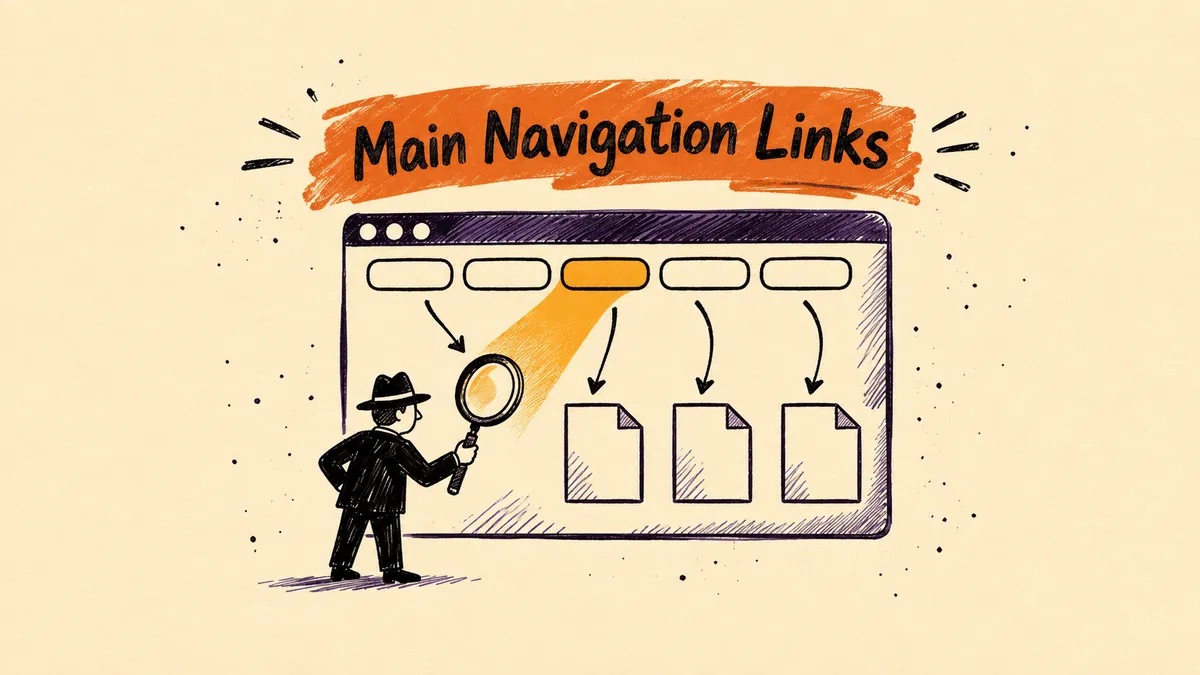
Main navigation links are the links in a website's main menu that lead to the most important sections of the site. On websites, this menu usually sits in the header and is repeated on every page. As a result, main navigation links are the most frequently repeated internal links on a site. They help users move around the site and help search engines discover key pages and understand the site's structure.
What role do main navigation links play in SEO?
Main navigation links let search engine crawlers reach the most important pages from anywhere on the site. The Google Search Central SEO Starter Guide stresses that Google finds pages mainly through links from pages it has already indexed. According to the same source, the vast majority of new pages Google discovers every day come from links. The main menu is therefore the primary path for discovering categories, services and other key sections.
Site structure and internal linking
Google recommends a logical site organization, because it helps search engines and users understand how pages relate to each other. Main navigation reflects this organization at the top level. In its link documentation, Google recommends that every important page has a link from at least one other page on the site. The menu does not replace in-content linking, though, which gives links context.
Link text in the menu
Link text (anchor text) tells users and Google what the target page is about. Google recommends text that is descriptive, concise and relevant to both pages. Menu labels should therefore name the section directly, e.g. “3D scanning” instead of “More”. Google treats keyword stuffing in link text as a violation of its spam policies.
What technical requirements must menu links meet?
Links in the main menu must be plain <a> elements with an href attribute, because those are the only ones Google reliably reads. Google's link documentation states that crawlers will not extract most links in other formats. This applies especially to menus built in JavaScript, where navigation is handled by a script event. The address in href should be a real URL that a crawler can send a request to.
| Link markup | Google's assessment |
|---|---|
| <a href="/uslugi/seo">SEO</a> | Recommended, Google reads it |
| <a href="/uslugi" onclick="..."> | Recommended, the href attribute counts |
| <a onclick="goto('/uslugi')"> | Not recommended, no href |
| <span href="/uslugi"> | Not recommended, it is not an <a> element |
| <a href="javascript:goTo('uslugi')"> | Not recommended, the address is not a real URL |
Icons, images and script-inserted content
An empty link with no text says nothing about the target page. When an <a> element is empty, Google may fall back on the title attribute. For an image link, the alt attribute becomes the link text. If the menu text is inserted by JavaScript, Google recommends checking the rendered code with the URL Inspection tool in Google Search Console.
How to design user-friendly main navigation?
Main navigation should be visible, placed where users expect it and easy to scan. In its menu-design checklist, Nielsen Norman Group points to the expected location of the main menu. On websites it is the header, in apps the left side of the screen. Departing from this pattern makes the menu harder for users to find.
Menu visibility
NN/g reports that hiding a site's main navigation cuts its discoverability almost in half. It also lengthens task time and increases perceived difficulty. On desktop, the main menu is therefore worth showing in full rather than hiding behind an icon. Menu links should also clearly stand out in color from the background.
Link labels
Labels should be short and start with the most important word. NN/g recommends left-aligning vertical menus and front-loading key terms, which makes the list easier to scan. The same rules support SEO, because a descriptive label is also good link text. The impact of menu changes on conversion is tested as part of CRO.
Navigation and the CMS
On sites built on a content management system, the main menu can be edited in the CMS panel without changing code. After every rebuild, it is worth checking that links have remained plain <a href> elements. Outdated menu items send crawlers and users to 404 errors. Checking navigation is a standard part of an SEO audit.
Sources
- Google Search Central, SEO Link Best Practices for Google.
- Google Search Central, SEO Starter Guide.
- Nielsen Norman Group, Menu-Design Checklist: 17 UX Guidelines.
- Nielsen Norman Group, Menus: articles and research.
Frequently asked questions
Q.How does main navigation differ from local navigation?
Main navigation leads to the most important sections of the whole site and repeats on every page. Local navigation covers pages within a single section, e.g. a store category. Nielsen Norman Group points to a different location for it than for the main menu. On desktop sites, this is usually the left side of the screen.
Q.Is a JavaScript menu visible to Google?
A JavaScript menu is readable for Google if the generated links are <a> elements with an href attribute. The problem is navigation handled only by an onclick event or javascript: addresses. Google does not read such links reliably. The rendered menu code is checked with the URL Inspection tool in Search Console.
Q.Does main navigation replace internal linking in content?
No, main navigation covers only the most important sections and does not give links content context. Google recommends that every important page has a link from at least one other page on the site. In-content links also point to related material where the reader needs it. The two kinds of links complement each other.
Q.What labels should the main menu use?
Main menu labels should be short, descriptive and start with the key word. Google recommends descriptive, concise link text, and NN/g recommends front-loading the most important terms. Generic labels such as “More” or “Click here” say nothing about the target page. Keyword stuffing should also be avoided.
Let's talk growth
Send a brief or drop your contact. We'll reply within 24h.
Get a quote