Cache
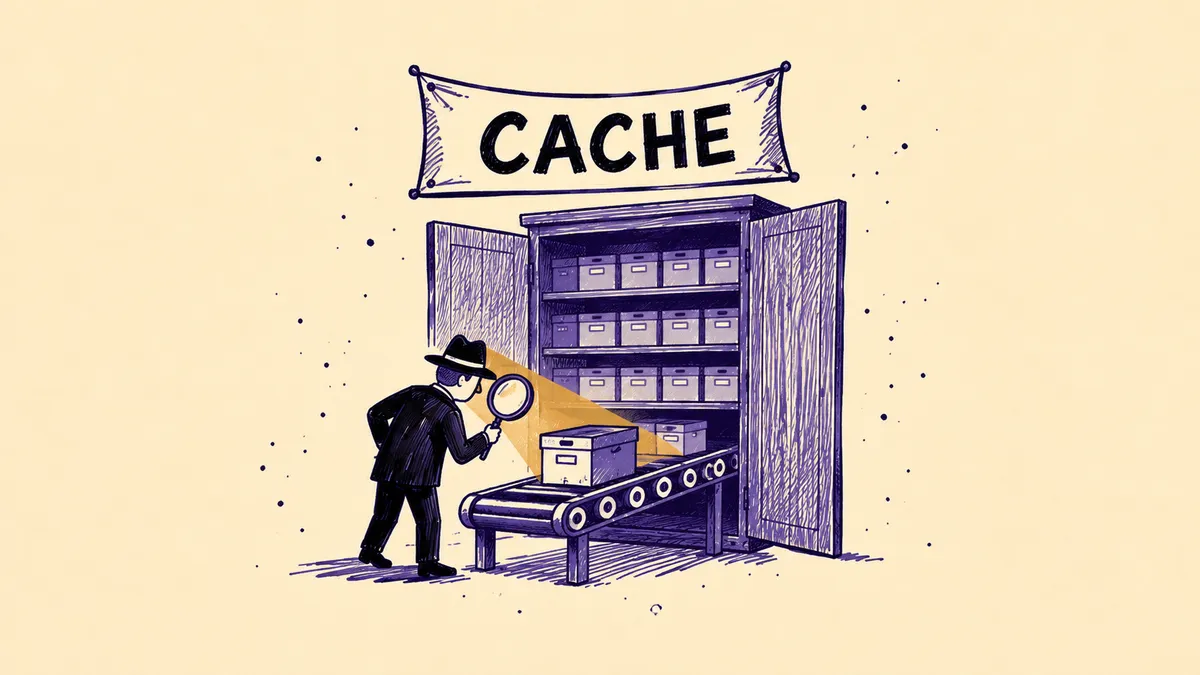
A cache is a mechanism that stores a copy of data so it can be delivered faster the next time it is used, without fetching it from the source again. In the context of websites, it usually means the HTTP cache. According to the MDN documentation, it stores the response to a request and reuses it for subsequent requests. As a result, the page loads faster and the server handles fewer requests.
What types of cache are there?
Caching works at several levels, from the user's browser to the server:
| Type of cache | Where it works | What it stores |
|---|---|---|
| browser cache | on the user's device | page files, e.g. images, CSS and JavaScript |
| shared cache | between the user and the server, e.g. a proxy or CDN | responses that many users can use |
| server-side cache | on the site's server | ready-made pages or database query results |
| back/forward cache (bfcache) | in the browser | a full copy of the page in memory, together with the JavaScript state |
MDN calls the browser cache a private cache because it belongs to a single client. A shared cache sits between the client and the server and can serve many users at once. It includes, among others, proxy servers, reverse proxies and CDNs.
Bfcache works differently from the HTTP cache. It stores the whole page in memory when the user leaves it. After clicking “Back”, the browser shows it immediately, without reloading.
How does the HTTP cache work?
Whether and how long a file is stored is decided mainly by the Cache-Control response header. The most important directives are:
| Directive | Meaning |
|---|---|
| max-age | how long, in seconds, the response stays fresh |
| s-maxage | freshness lifetime for shared caches only, e.g. a CDN |
| no-cache | the response may be stored, but must be validated with the server before use |
| no-store | the response must not be stored in any cache |
| private | the response may only go to the browser cache |
| public | the response may also go to a shared cache |
A stored response is fresh at first and becomes stale after its time runs out. The browser does not discard a stale copy straight away. It asks the server whether the file has changed, sending the value from the ETag header or the date from Last-Modified. If the file is the same, the server replies with a 304 Not Modified code without sending the content.
When the server does not send a Cache-Control header, the browser may store the response anyway. MDN calls this heuristic caching. That is why it is better to set storage rules deliberately than to leave them to the browser.
How does caching affect page speed and SEO?
A well-configured cache shortens load time on repeat visits. The browser then does not download files it already has. A cache lifetime that is too short for static files is flagged by Google Lighthouse and PageSpeed Insights.
Bfcache matters a lot too. According to Chrome data, one in ten navigations on desktop and one in five on mobile is a back or forward navigation. A page restored from bfcache appears almost instantly. This is blocked by, among other things, the unload event and the Cache-Control: no-store header on the page itself.
Google's own solutions also use caching. AMP pages can be served from the Google AMP Cache, a copy stored by Google. Speed and cache configuration are worth checking as part of an SEO audit.
What happened to Google's cache in search results?
For years Google showed a link next to results to a saved copy of the page, the so-called cached copy. In early 2024 Google removed this link from the results. In autumn 2024 the cache: search operator also stopped working.
Instead, Google added links to the Wayback Machine archive in the “About this result” panel. To see how Google sees their own site, a site owner can use the URL Inspection tool in Google Search Console.
How do you clear the cache?
The method depends on where the data is stored:
- browser – a hard refresh with Ctrl+Shift+R (Windows) or Cmd+Shift+R (macOS), or deleting browsing data in the settings,
- CDN – emptying the cache in the provider's dashboard, a so-called purge,
- server and CMS – clearing the cache in the hosting panel or in a plugin, e.g. in WordPress.
After changes to a site, some users may see the old version until the copy stops being fresh. That is why a version number is often added to CSS and JavaScript file names. Changing the name forces the browser to download the new file.
Sources
- MDN Web Docs, “HTTP caching”. developer.mozilla.org
- IETF, RFC 9111 “HTTP Caching”, 2022. rfc-editor.org
- web.dev, “Back/forward cache”. web.dev
- Search Engine Land, “Google Search completely kills the cache feature”, 2024. searchengineland.com
Frequently asked questions
Q.How is a cache different from cookies?
A cache stores copies of a page's resources, e.g. images, styles or scripts, so it loads faster. Cookies are small pieces of data that a site saves in the browser, e.g. the state of a cart or login information. A cache speeds up loading, while cookies let a site remember the user. In the browser they can be deleted separately.
Q.Will clearing the cache delete saved passwords?
No, if you only delete cached images and files. In browser settings, e.g. in Chrome, passwords, history and cookies are separate items to tick. After clearing only the cache, pages may load more slowly on the first visit. The browser then has to download their files again.
Q.What is the difference between no-cache and no-store?
The no-cache directive allows the response to be stored, but before each use the browser must check with the server whether it is up to date. The no-store directive completely forbids storing the response in any cache. No-store is sometimes used for sensitive data, e.g. in customer dashboards. However, it can exclude the page from bfcache, which slows down back navigation.
Q.Can you still see a page's copy from Google's cache?
No. Google removed the link to the copy from search results in early 2024, and in autumn it switched off the cache: operator. Older versions of pages can be checked in the Wayback Machine archive, which Google links to in the “About this result” panel. Google Search Console shows your own site as Google sees it.
Let's talk growth
Send a brief or drop your contact. We'll reply within 24h.
Get a quote