Google Merchant Center
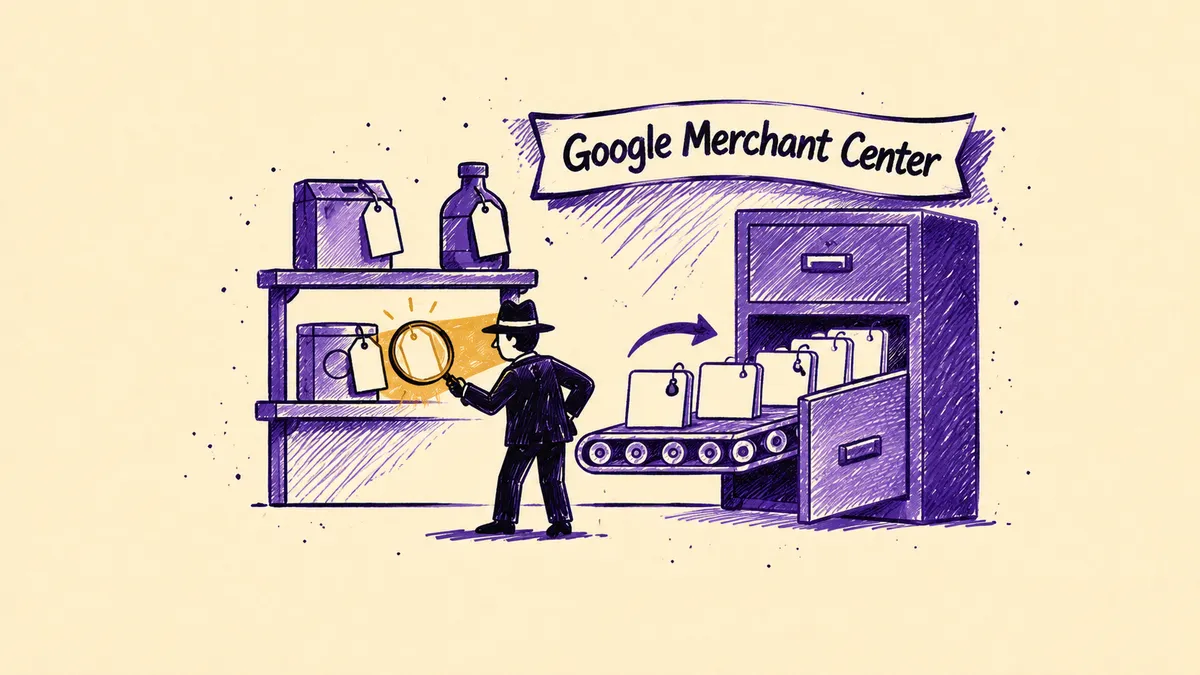
Google Merchant Center is a free Google tool in which online and brick-and-mortar stores submit data about their products. Based on that data, products can appear across Google, including the Shopping tab, Search, Images and YouTube. Merchant Center stores information about products, prices, availability and shipping. Once linked to a Google Ads account, the same data powers product campaigns, e.g. Performance Max. Merchant Center itself is not an advertising system, but a database of the store's offer.
What is Google Merchant Center used for?
Merchant Center is used to show products in Google in two ways: in free listings and in paid ads. In both cases the source of data is the same product information.
| Display type | Cost | What it requires |
|---|---|---|
| Free listings | no cost per click | approved products in Merchant Center |
| Product ads, e.g. Performance Max | payment for ad results | a linked Google Ads account and a budget |
The tool also lets you manage store information, such as shipping costs and return policies. It shows errors in product data and impression statistics. Products can reach Merchant Center from a product feed, from the store platform or from the website.
Merchant Center works independently of the site's SEO. Which products are shown depends above all on the quality and freshness of the data in the product feed.
What product data do you need to provide in Merchant Center?
Each product in Merchant Center is described by attributes, i.e. data fields. According to Google's specification, a product without the required attributes cannot appear in ads or in free listings.
| Attribute | What it contains | When required |
|---|---|---|
| id | unique product identifier, up to 50 characters | always |
| title | product name | always |
| description | product description | always |
| link | product page URL | always |
| image_link | main image URL | always |
| availability | availability, e.g. in_stock | always |
| price | price | always |
| brand | brand | for new products, except movies, books and music recordings |
| gtin | global trade item number, e.g. EAN | when the manufacturer has assigned a GTIN |
| mpn | manufacturer part number | when the product has no GTIN |
| condition | product condition | for used and refurbished products |
Google stresses that you must not make up GTIN or MPN numbers. An incorrect number gets the product disapproved. If a product has no brand, leave the brand field empty instead of entering something like “no brand”.
The data is stored in a product feed, e.g. in XML, CSV or Google Sheets format. Stores on popular platforms can send it automatically through plugins and integrations.
What is Merchant Center Next?
Merchant Center Next is the current version of the tool. According to Google's help pages, from 30 September 2024 it replaced the classic Merchant Center on all accounts, with no option to switch back.
| Classic Merchant Center | Merchant Center Next |
|---|---|
| product files called “feeds” | “data sources” |
| feed rules and supplemental feeds available to everyone | available in the advanced data source management add-on |
Merchants who used rules and supplemental feeds in the classic version have this add-on turned on automatically. You create an account at merchants.google.com with a Google account. Then you enter business details, verify ownership of the store website and add products.
Frequently asked questions
Q.What is Google Merchant Center?
Google Merchant Center is a free tool in which stores submit product data to Google: names, prices, images and availability. Based on that data, products can appear in Google for free or in ads. Ads also require a linked Google Ads account and a campaign budget.
Q.Is Google Merchant Center paid?
No, creating and running a Merchant Center account is free. Product impressions in free listings are free as well. You pay only for product ads run in Google Ads, e.g. Performance Max campaigns. Costs may also come from third-party tools used to build the product feed.
Q.Why was a product disapproved in Merchant Center?
The most common cause is missing or incorrect data, e.g. no price, no image or an invalid GTIN. A product may also violate Google's content policies, or the price in the feed may differ from the price on the website. Merchant Center shows the reason for disapproval next to each product, so that is the place to start.
Q.How does Merchant Center differ from Google Ads?
Merchant Center stores product and store data, while Google Ads is used to run paid campaigns. Product ads need both tools linked together. Merchant Center supplies the offer data, and Google Ads sets the budget, bids and campaign goals. Without Google Ads, products can only appear for free.
Q.What sources is this description based on?
The required product attributes and the rules on brand, GTIN, MPN and product condition come from the product data specification in the Google Merchant Center help pages. The date of the switch to Merchant Center Next and the differences from the classic version are described on the help page “Frequently Asked Questions about transition to Merchant Center Next”.
Let's talk growth
Send a brief or drop your contact. We'll reply within 24h.
Get a quote