12 internal linking patterns that change SEO more than one more link in the text

Internal linking is one of the SEO elements a site owner fully controls. Even so, many sites reduce it to adding a few links in the body of an article. Yet internal links work in many places on a page at once: in the menu, breadcrumbs, footer, topic hubs and pagination. Each of these places has a different function. Distinguishing 12 linking patterns makes it easier to plan a site's structure and audit it.
Why does internal linking matter so much for SEO?
Internal linking decides whether a search engine finds a page and understands its place on the site. The Google Search Central SEO Starter Guide states that the vast majority of new pages Google discovers every day come from links. A page with no internal link may therefore go unnoticed. That is why Google recommends that every important page be linked from at least one other page on the site.
Technical condition: the link must be readable for crawlers
Not every clickable element is a link for Google. According to Google's documentation, crawlers reliably read only <a> elements with an href attribute and a real URL. Navigation handled only by an onclick event or javascript: URLs may be skipped. This applies to each of the 12 patterns described below.
Link text provides context
Anchor text tells users and Google what the target page is about. Google recommends text that is descriptive, concise and relevant to both pages. The words before and after the link matter too. Generic phrases like “click here” do not provide that context.
Which linking patterns build a site's navigation?
Seven of the twelve patterns describe where a link sits in the page layout and serve mainly for navigation. These are links in the menu, breadcrumbs, footer, sidebar, HTML sitemap, pagination and in-page anchors. They usually repeat across many pages. As a result, they form the skeleton that users and crawlers move along.
1. Main navigation links
Main navigation links lead to the most important sections from every page. Nielsen Norman Group points out that on websites, users expect the main menu in the header. NN/g also reports that hiding the main navigation cuts its discoverability almost in half. A free UX audit will show how the menu and the purchase path work on mobile in your store.
2. Breadcrumb links
Breadcrumbs show where a page sits in the hierarchy and connect it to its parent pages. Google uses BreadcrumbList markup to categorize information about the page in search results. NN/g recommends that the last element, i.e. the current page, not be a link.
3. Footer links
Footer links give permanent access to contact, terms of service or the privacy policy. According to NN/g, users deliberately scroll to the footer when looking for this information. The footer should not, however, become a “dumping ground” for random links.
4. Sidebar links
A sidebar suggests related categories, posts or services next to the main content. NN/g identifies the left side of the screen as the expected place for local navigation on desktop sites. Such navigation covers pages within one section of the site.
5. Links to an HTML sitemap
An HTML sitemap is a page listing the site's sections, intended for users. It should not be confused with an XML sitemap for search engines. NN/g reports that users expect to find the link to a full sitemap in the footer.
6. Pagination links
Pagination splits long lists, e.g. of products in a category, into consecutive pages. Google recommends linking the pages sequentially with <a href> elements, from each page to the next. Each page should have a unique URL. The first page should not be set as canonical for the whole series.
7. In-page anchors
Anchors (links with a #section fragment in the URL) take the user to a specific section of the same page. They work well as a table of contents in long guides. They work best with content split into self-contained blocks, as described in the chunking content entry.
Which linking patterns describe relationships between content?
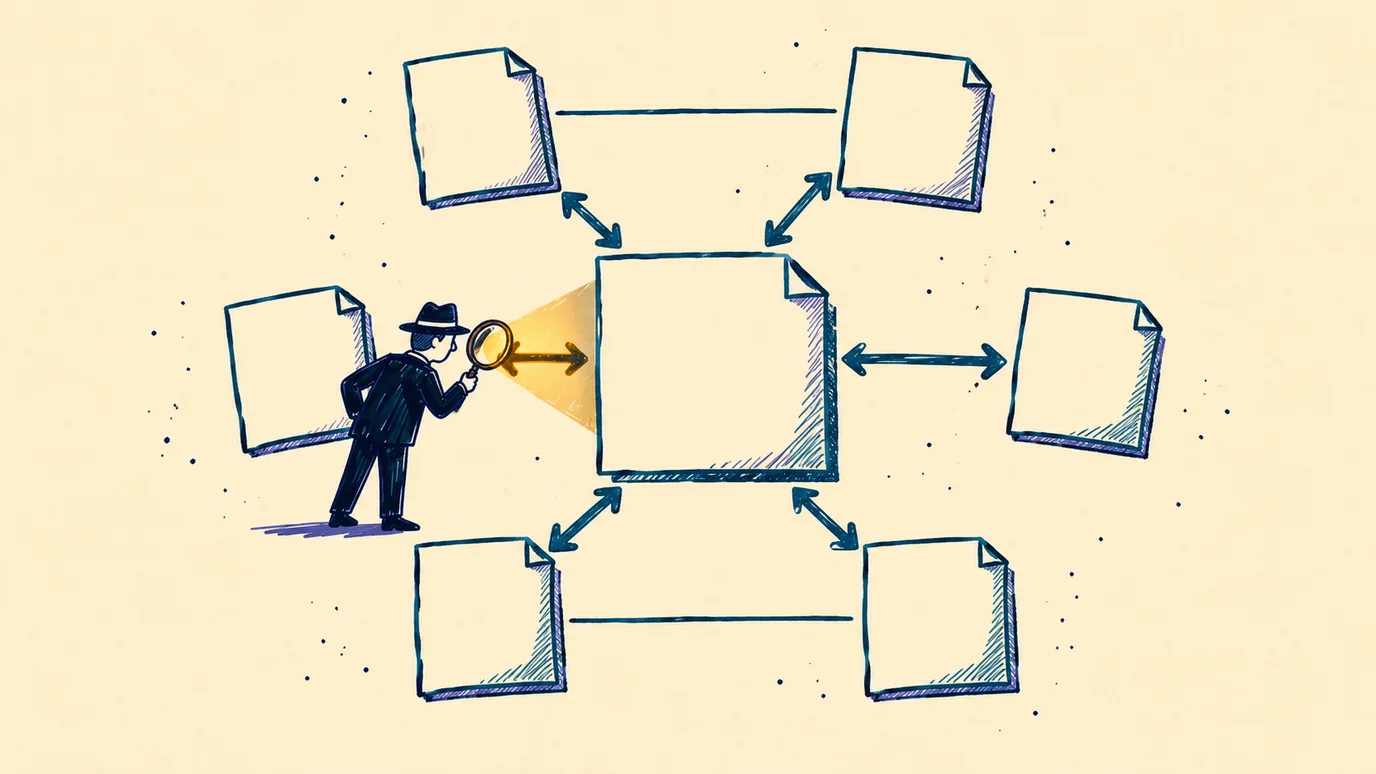
The remaining five patterns describe the relationship between pages rather than where a link sits. These are contextual links, topic hubs in both directions, links between “sibling” pages and related content blocks. Google encourages thinking, for every page, about which other materials on the site will help the reader understand it. It is worth linking to such materials in context.
8. Contextual links
Contextual links sit in the body of a paragraph, next to the words that explain their purpose. They provide the most context, because both the anchor and the sentence around it describe them. Google warns against placing several links next to each other with no text between them.
9-10. Hub-to-spoke and spoke-to-hub links
In the hub-and-spoke model, a central page (the hub) covers a broad topic and links to detailed articles (the spokes). The detailed articles in turn link back to the hub. Links in both directions show the topic's hierarchy. An example is an SEO glossary whose hub connects all the definitions.
11. Links between sibling pages
Sibling pages sit at the same level of the hierarchy, e.g. two definitions from the same field. A link between them helps the reader move to a related topic without going back to the hub. An example is a link from the breadcrumbs entry to the main navigation entry.
12. Related content links
“See also” or “similar products” blocks encourage further browsing. In stores they usually concern the product page and complementary products. Such blocks are often generated automatically by the CMS, so it is worth checking how relevant the suggestions are.
The 12 patterns at a glance
| No. | Pattern | Type | Main function |
|---|---|---|---|
| 1 | Main navigation | Placement | Access to key sections |
| 2 | Breadcrumbs | Placement | Hierarchy and moving up a level |
| 3 | Footer | Placement | Supporting and utility pages |
| 4 | Sidebar | Placement | Local navigation and related items |
| 5 | HTML sitemap | Placement | An extra discovery path |
| 6 | Pagination | Placement | Access to deeper list pages |
| 7 | In-page anchors | Placement | Jump to a section of the same page |
| 8 | Contextual | Relationship | Topical context and anchor |
| 9 | Hub-to-spoke | Relationship | From the general topic to details |
| 10 | Spoke-to-hub | Relationship | From a detail to the general topic |
| 11 | Siblings | Relationship | Topics at the same level |
| 12 | Related content | Relationship | Further browsing |
What actually adds value in internal linking?
The value of internal linking does not grow with the number of links. The 12 patterns are not a list of 12 separate ranking factors either. Some of them describe where a link sits, and others the relationships between pages. What counts is whether each link helps navigation, builds a meaningful relationship or makes valuable content easier to discover.
In practice this comes down to six principles:
- linking pages connected by genuine context and meaning;
- exposing important URLs through <a href> links that crawlers can read;
- descriptive, natural anchor text without keyword stuffing;
- cutting unnecessary clicks to important pages;
- a clear hierarchy of topics and of the whole site;
- priority for pages that matter to users and to business goals.
What to look at during an audit?
During an SEO audit, internal linking is worth checking pattern by pattern, beyond the body of articles. Menus and breadcrumbs built in JavaScript may not contain <a href> links. Pagination with the first page as canonical for the whole series contradicts Google's recommendations. Pages with no internal link can be spotted by comparing the sitemap with indexing data in Google Search Console.
Google also points to its spam policies. Keyword stuffing in link text violates those policies. Internal linking should therefore be deliberate rather than mechanical. We plan site structure and internal linking as part of our SEO service.
Frequently asked questions
Q.How many internal links should a page have?
There is no single right number of internal links, and more links do not automatically improve SEO. Google recommends that every important page be linked from at least one other page on the site. Context, descriptive anchor text and a meaningful relationship between pages matter more than the count. Every link should have a purpose.
Q.Do menu and footer links count as internal linking?
Yes, links in the menu, breadcrumbs and footer are internal links too, as long as they are <a href> elements. They help crawlers reach important pages from anywhere on the site. They do not, however, provide as much context as a link in the body of a paragraph. That is why it is worth combining navigation links with contextual ones.
Q.What is the hub-and-spoke model?
The hub-and-spoke model is a structure in which a central page covers a broad topic and links to detailed articles. The detailed articles link back to the hub and often to each other as well. This structure organizes the topic's hierarchy for users and search engines. It works well in glossaries and guides, among others.
Q.How should pagination pages be linked?
Google recommends linking pagination pages sequentially, from each page to the next, using <a href> elements. Each page in the series should have its own unique URL. The first page should not be set as canonical for the whole series. This way crawlers reach products on later pages of the list.
What sources is this article based on?
- Google Search Central, SEO Link Best Practices for Google.
- Google Search Central, SEO Starter Guide.
- Google Search Central, Pagination Best Practices for Google, updated 10 December 2025.
- Google Search Central, How To Add Breadcrumb (BreadcrumbList) Markup.
- Google Search Central, Spam Policies for Google Web Search.
- Nielsen Norman Group, Menu-Design Checklist, Breadcrumbs: 11 Design Guidelines, Web Page Footers 101.
More on SEO and AI search
- ChatGPT Business Hub insights: mentions, website clicks and discovery topics
- AI in e-commerce: how an online store can benefit from artificial intelligence and AI recommendations
- Google AI Overviews in practice: the mechanism, decision gates and an action plan
- New Google materials for SEO: search traffic, CDN and “things to do”
- How to increase your brand's visibility in ChatGPT and Google AI Overview
- Google Lighthouse update changes how PageSpeed Insights simulates loading
- AI Search: how AI-powered search works
- AI hallucinations: causes and safeguards
- Duplicate content and AI citations: what Google patents say
- How Much Does SEO Cost: Pricing Guide and Red Flags to Watch For
- ChatGPT Ads: how the channel works and how to run a first test worth learning from
- GEO: Will Your Brand Disappear From Results If You Don't Optimize for AI?

In an SEO audit he goes through internal linking place by place: the menu, breadcrumbs, footer, pagination and content. He first looks for important pages that no link points to.
LinkedInRelated articles
Let's talk growth
Send a brief or drop your contact. We'll reply within 24h.
Get a quote